BirdDog versus Clay
Noah Jacobs
Jan 2, 2026
BirdDog provides real-time, actionable sales signals from diverse, verified sources to help reps prioritize accounts, book meetings, and maintain momentum through the sales cycle—without requiring engineering support. While Clay is a powerful GTM tool for customizing outbound workflows and enrichment, attempting to replicate BirdDog's automated, nightly updates and alert system in Clay is complex, costly, and requires significant technical resources.
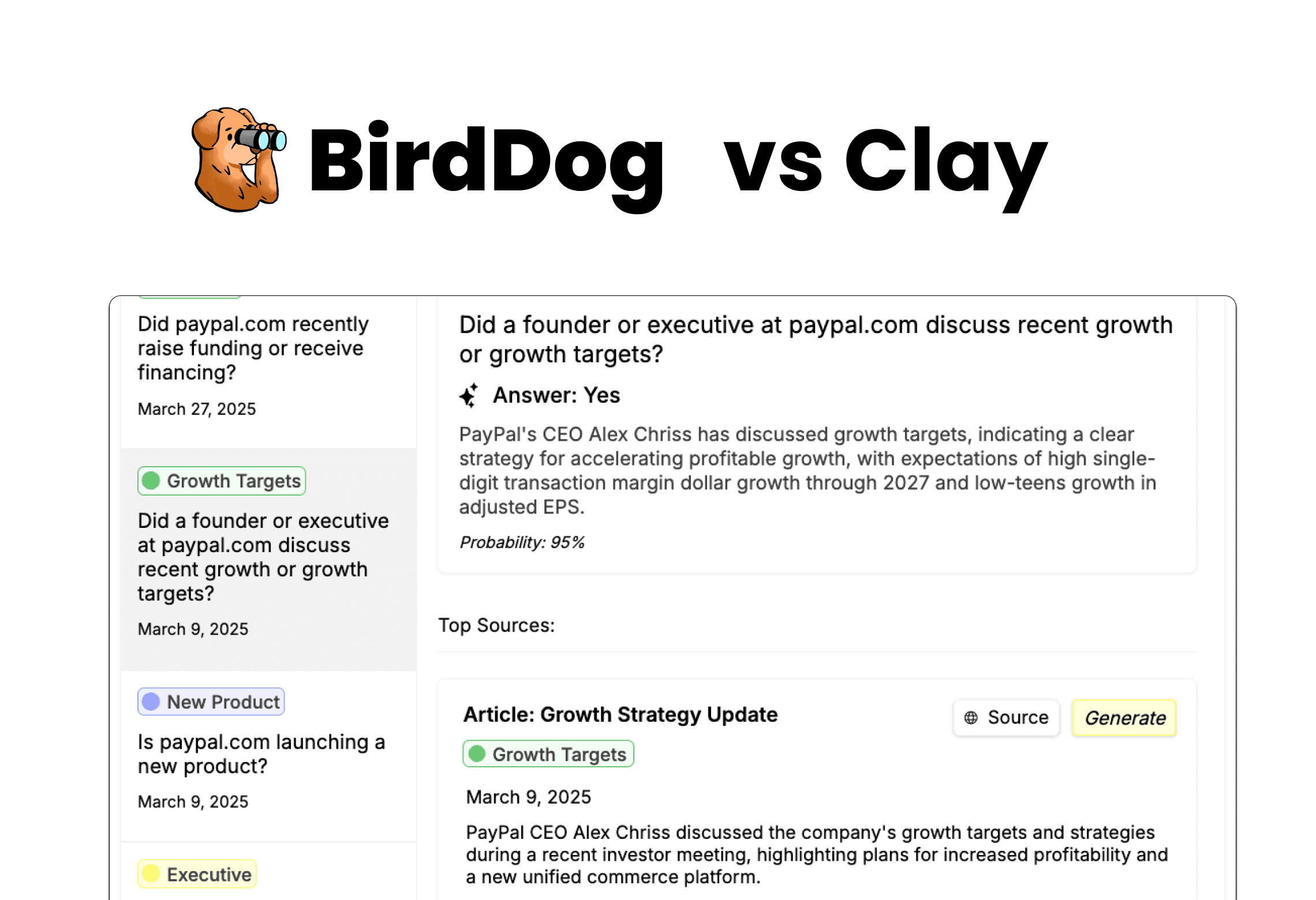
BirdDog provides real world signals about the accounts sales teams are selling into. These real world signals enrich & empower the entire sales process by helping prioritize accounts, book meetings, maintain through cycle leadership, avoid landmines, and revive closed lost deals.
Clay is a powerful GTM tool that allows users to create systems to enrich their accounts with various data sources. Users can also use Clay to orchestrate outbound campaigns.
Because Clay is so extensible (you can run code in it!), you can attempt to recreate the data that BirdDog provides within a Clay instance. However, this requires a lot of engineering time & prohibitive costs.
First, we’ll discuss a high level overview of when to use BirdDog vs Clay, and then, we’ll go in depth on a few differentiators if you do decide you want to attempt to recreate BirdDog in Clay.
When to Use Clay or BirdDog
Clay is a phenomenal tool for orchestrating outbound campaigns and even ranking accounts with specific data sources
BirdDog, on the other hand, is great at ranking your accounts with a robust, default set of data sources & supporting your sellers with continued research though cycle.
In other words, there are quite different uses cases for BirdDog and Clay. As a matter of fact, many teams we work with have both BirdDog & Clay for different purposes.
Use BirdDog If…
You want to support your sellers with constant, real time alerts
You want the benefits of data enrichment without increasing headcount
You want data & interface that the whole team can work into their process
Use Clay if…
You’re focused on orchestrating mass outbound
You have specific very specific data sources you’d like
You have or can afford headcount allocation for the tool
It’s not important for everyone to regularly interface with the data
But, if you do want to try to recreate BirdDog within Clay, the likely challenges you’ll run into are mainly around ballooning credit costs & engineering time.
As an example, one BirdDog user attempted to recreate the data BirdDog provided in a Clay instance, and failed to recreate BirdDog’s first data pull with an entire month’s worth of credits—BirdDog pulls in new information and analyzes the data every single night.
So, here are a few critical differences between BirdDog Signals & Clay:
Simple Set Up - BirdDog does not require an engineer to set up or maintain. Most powerful Clay implementations require headcount to manage.
Diverse Sources - Out of the box, BirdDog uses a lot of critical sources. In Clay, this requires more engineering and higher cost.
Repeated Queries & Alerts - BirdDog looks for new info every night and only returns what changed. Doing so in Clay would be prohibitively expensive and would require the reps to find what info is really new.
Simple Set Up
BirdDog is relatively easy to set up out of the box. After our team works with yours during the first month to configure powerful signals, all that’s left to do is make sure that your sellers are actioning the signals in their workflow.
Clay, on the other hand, is a complex tool. Most serious implementations either involve increasing headcount with a GTM Engineer, engaging a consulting firm to manage it for you, or reallocating some existing headcount to own the tool, taking them away from their day to day selling or support activities.
Diverse Sources
A strong Signal solution needs to pull from the most relevant sources as a default.
Out of the box, BirdDog gets company websites, news, job postings, SEC filings, and some social posts. And, if there are specific sources a user needs, we are happy to add them into the system.
To systematically pull info in from even these standard issue sources like job postings, Clay requires configuration of those sources. Moreover, each additional source increases the cost of your query substantially.
Repeated Queries & Alerts
While one off research is powerful for setting up mass outbound campaigns or enriching account lists, the world is always changing & a strong signal solution needs to be constantly on the look out for new and changing data.
This is somewhere BirdDog thrives in. Not only is BirdDog good at finding that new info, but it naturally provides your reps with only the new information, every morning, via Slack, Teams, & Email Alerts.
This not only helps book meetings with timely alerts, but it also helps your reps maintain leadership positions throughout the sale.
If you wanted to repeat queries in Clay, you would have to spend a lot of money to do so we estimate that running even the simplest recreation of BirdDog in Clay would be 23x as expensive… and that’s not even including any of the specific data sources that are so important!
And, on top of that, you would need a rep to sift through the output of the repeated results each day to make sure that the answers are actually different in Clay, while BirdDog just does it.
Summary
In short, while you really can do anything in Clay, it is not really designed to give daily alerts & requires some extensive engineering and costs to attempt to rebuild BirdDog inside of it.
Ready to start targeting the best accounts?
Stop leaving money on the table. Join the rapidly growing list of companies adopting signals to drive their sales process.